
Login
Log in if you have an account
Register
Having an account with us will allow you to check out faster in the future, store multiple addresses, view and track your orders in your account, and more.
Create an account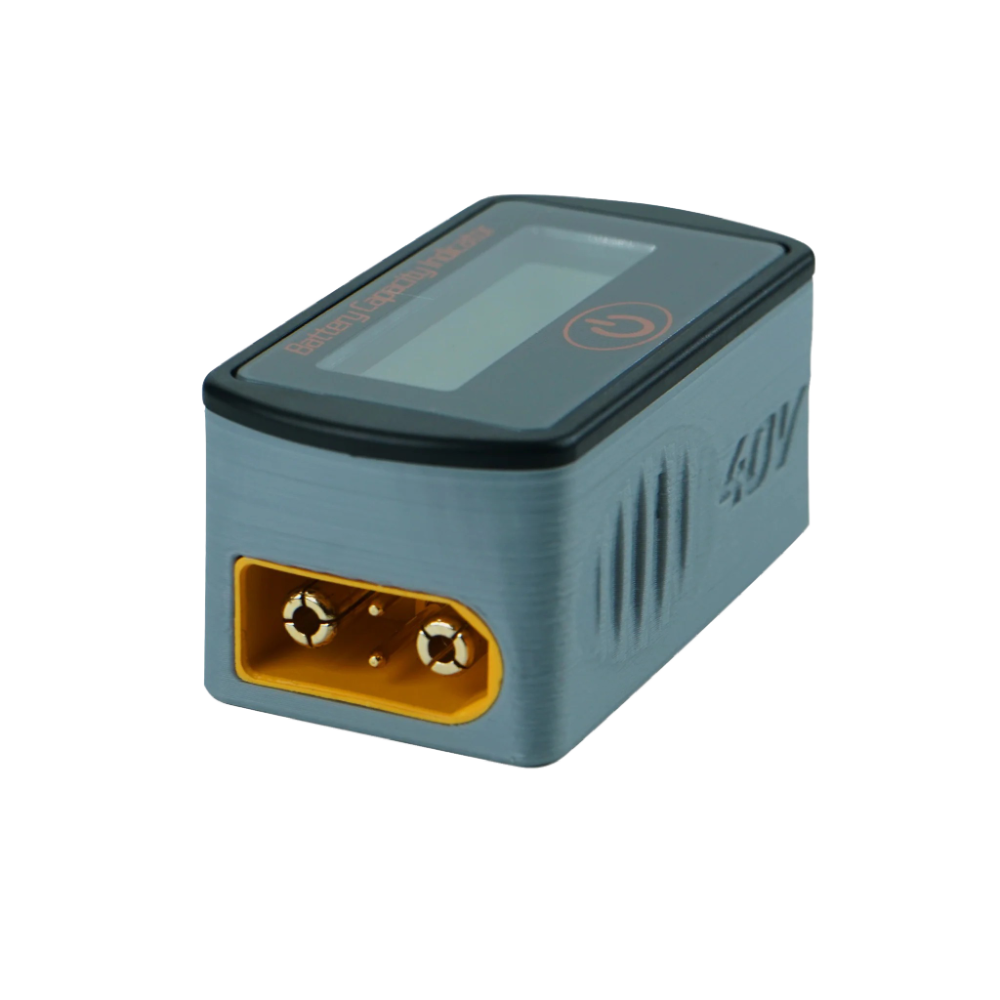
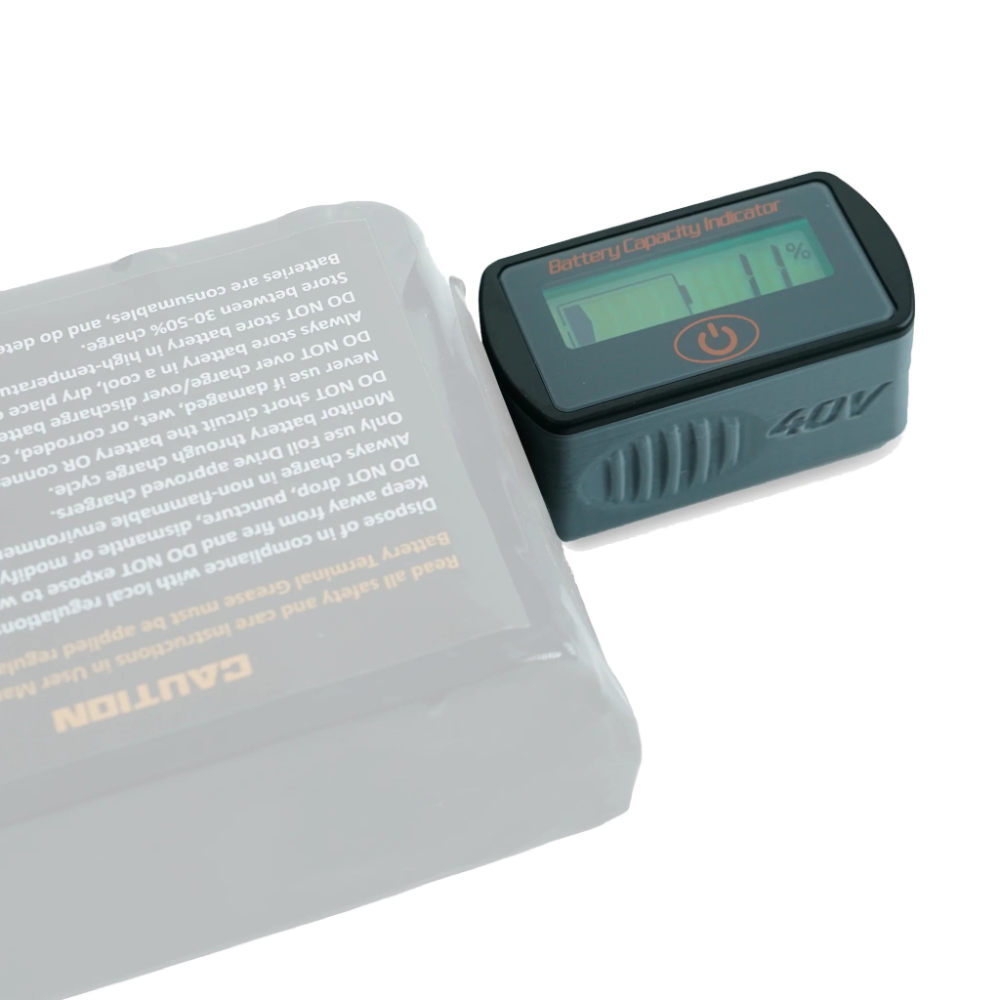
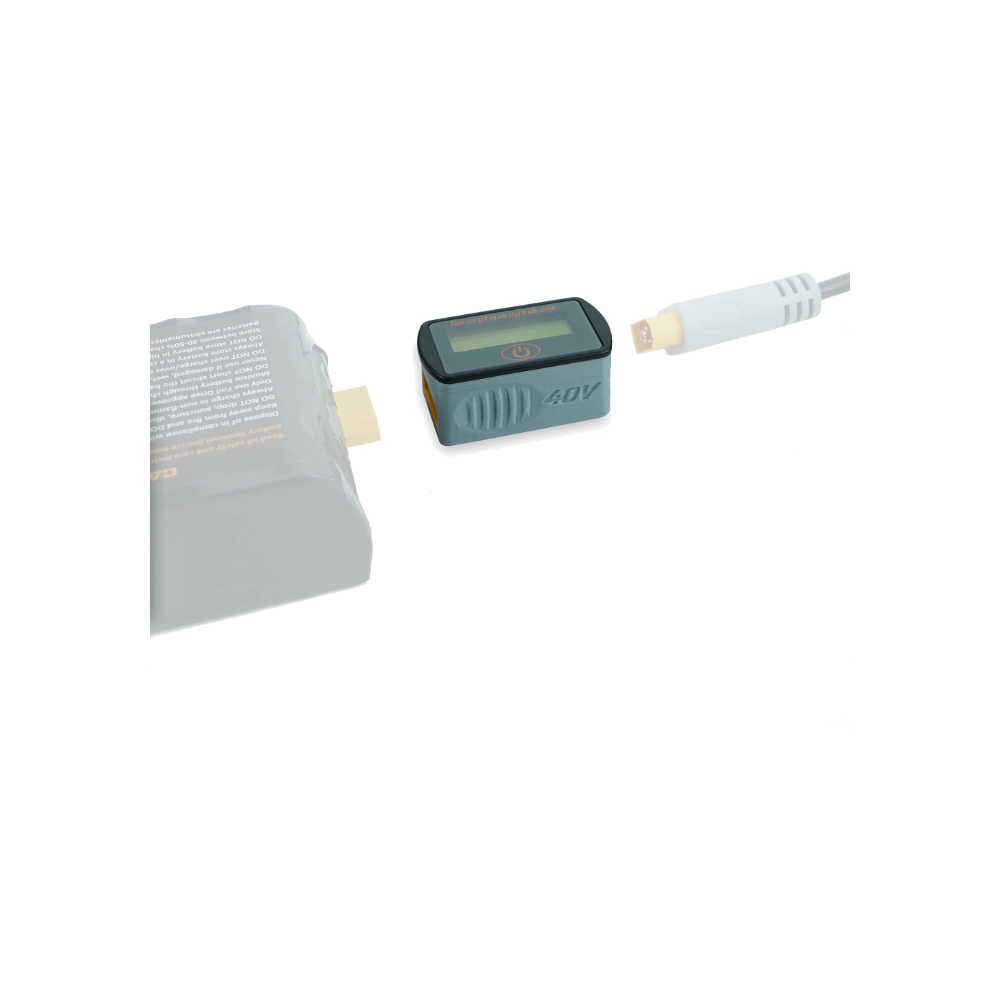
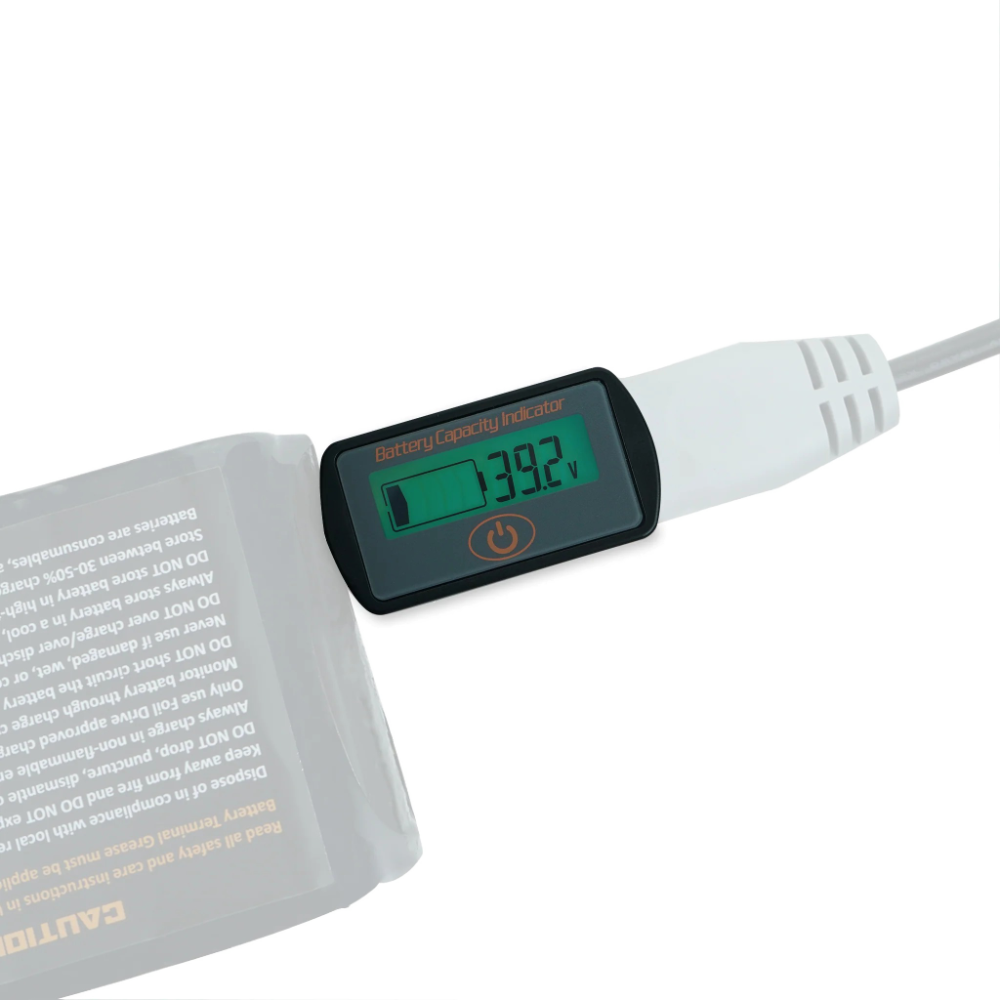
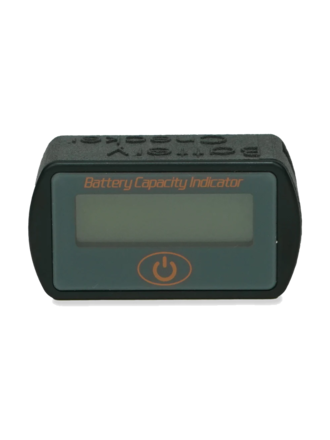
It should be noted that while a charge is in progress, the battery checker will display a slightly higher reading than the actual value of the battery due to the current flowing into the battery during charge. To see the true state of charge, simply unplug the charger from the checker and wait 30 seconds for the reading to stabilise.
In addition, these have been programmed to display voltages. Simply single press the power button once plugged in and it will toggle the display. This is useful for tech heads, and can be used if we need to troubleshoot with you.